Design duck tags people actually want to scan
Build polished, printable tag layouts for your ducks in minutes. Customize the look, place the QR code exactly where you want it, and save designs you can reuse again and again.
Why creators use it
From plain labels to branded duck drops
Instead of settling for a basic template, you can build a tag that fits your style, highlights your duck's story, and makes it easy for the next person to log the journey.
A better way to make duck tags
The Tag Designer gives you more control than a downloadable PDF alone, while still keeping the process simple enough to finish before your next cruise.
Built for real label sheets
Create for popular Avery-compatible formats so what you design on screen is ready to print in the real world.
QR-first layouts
Keep the scan experience front and center while still adding names, themes, and extra personality around it.
Add your own style
Mix text, artwork, and layout choices to make each design look polished instead of feeling like a generic printout.
Save and reuse
Once you have a layout you love, keep it in your account and come back whenever you register new ducks.
How it works
You do not need design software or a complicated print workflow. The experience is built for duck owners who just want great-looking tags fast.
1. Create your account
Sign up so you can save designs, connect tags to your ducks, and come back to edit them later.
2. Design your layout
Choose a supported tag size, arrange the content visually, and preview how the finished tag will look.
3. Print and start hiding
Use your design on future tags, print on compatible sheets, and get your ducks ready for their next adventure.
Free starter resources
Not ready to build a custom layout yet? Start with our printable files and QR code assets, then move into the Tag Designer when you want more flexibility.
Avery 28371 Template
Compatible with 18871, 27871, 27881, 27883, 28877, 28878, 38871, 38873, 38876, 5371, 5376, 5377, 55871, 55876, 5870, 5871, 5874, 5876, 5877, 5911, 8371, 8376, 8377, 8471, 8870, 8871, 8873, 8875, 8876, and 8877.
Need printing supplies? Browse our recommended products.
Download Blank PDF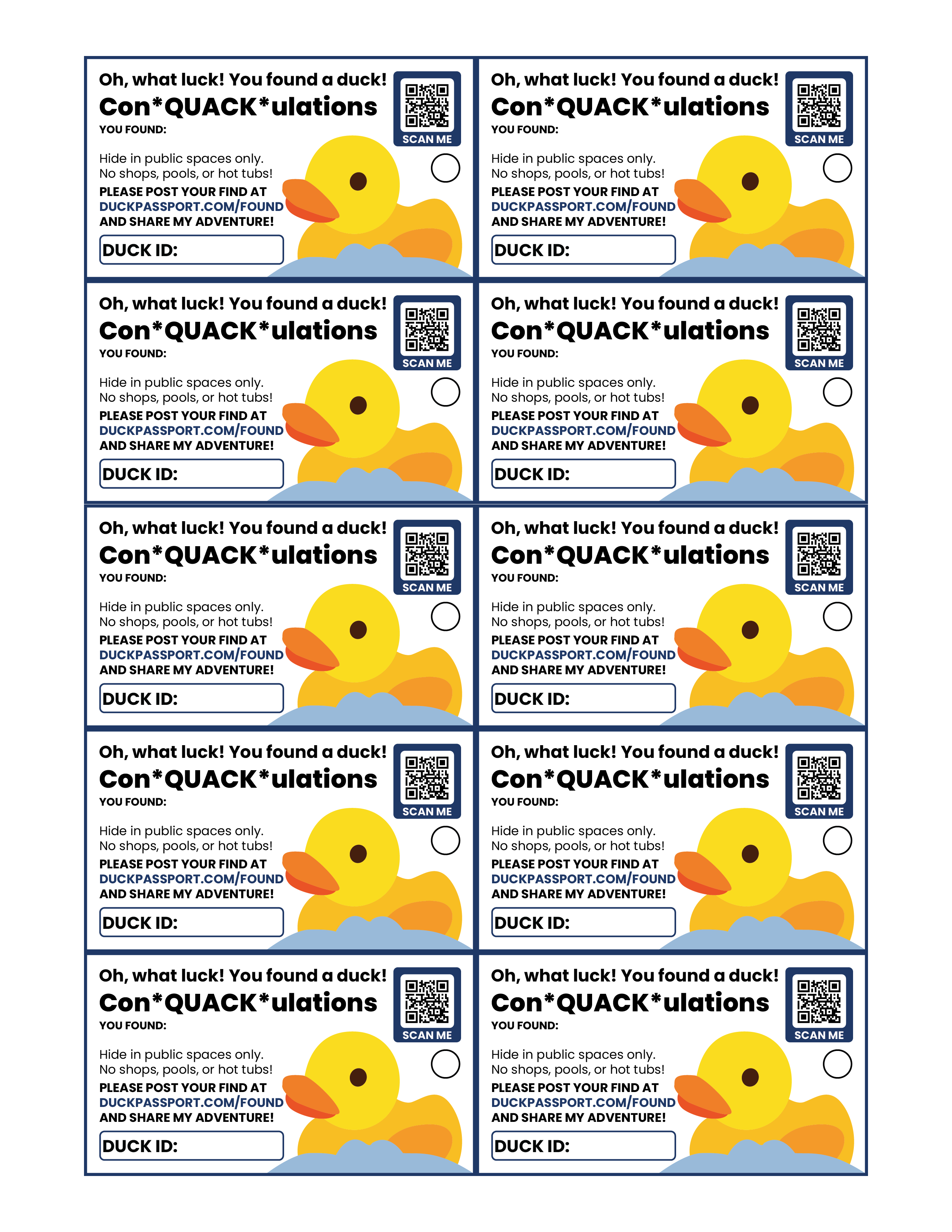
Avery 5881 Template
Compatible with 38373, 5893, 6574, 8373, 88220, 88221, and 8869.
Need printing supplies? Browse our recommended products.
Download PDF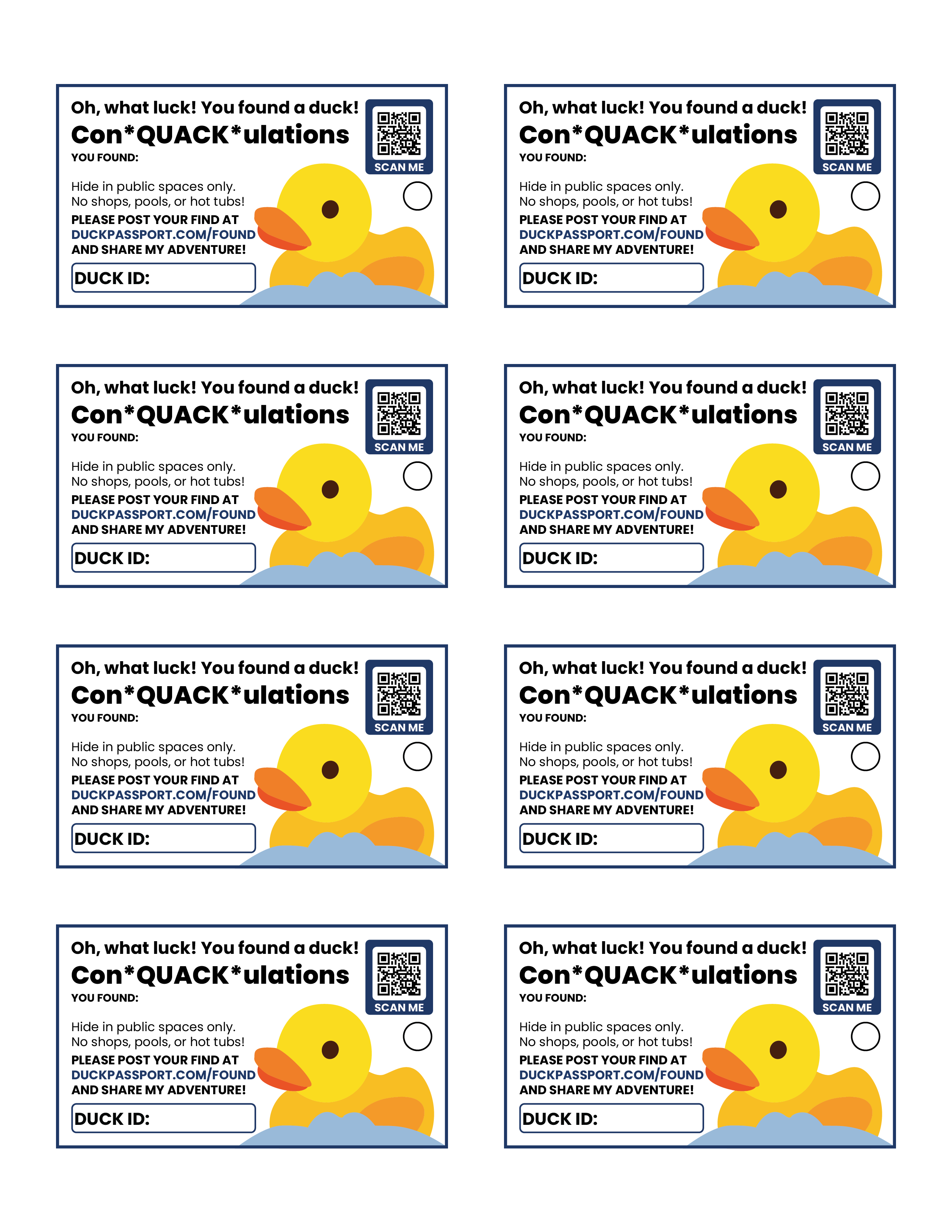
DIY QR code kit
Want to design completely on your own? Download these Duck Passport QR codes and build them into your own card or tag layout.




Ready to make tags that feel like yours?
Start with the free files, or create an account and unlock saved custom layouts in the Tag Designer.